RedM Pause Menu Script — cPauseMenu (Open Source)
Replace the RedM pause menu with character information, daily rewards, playtime tracking, keybinds and cinematic camera transitions.
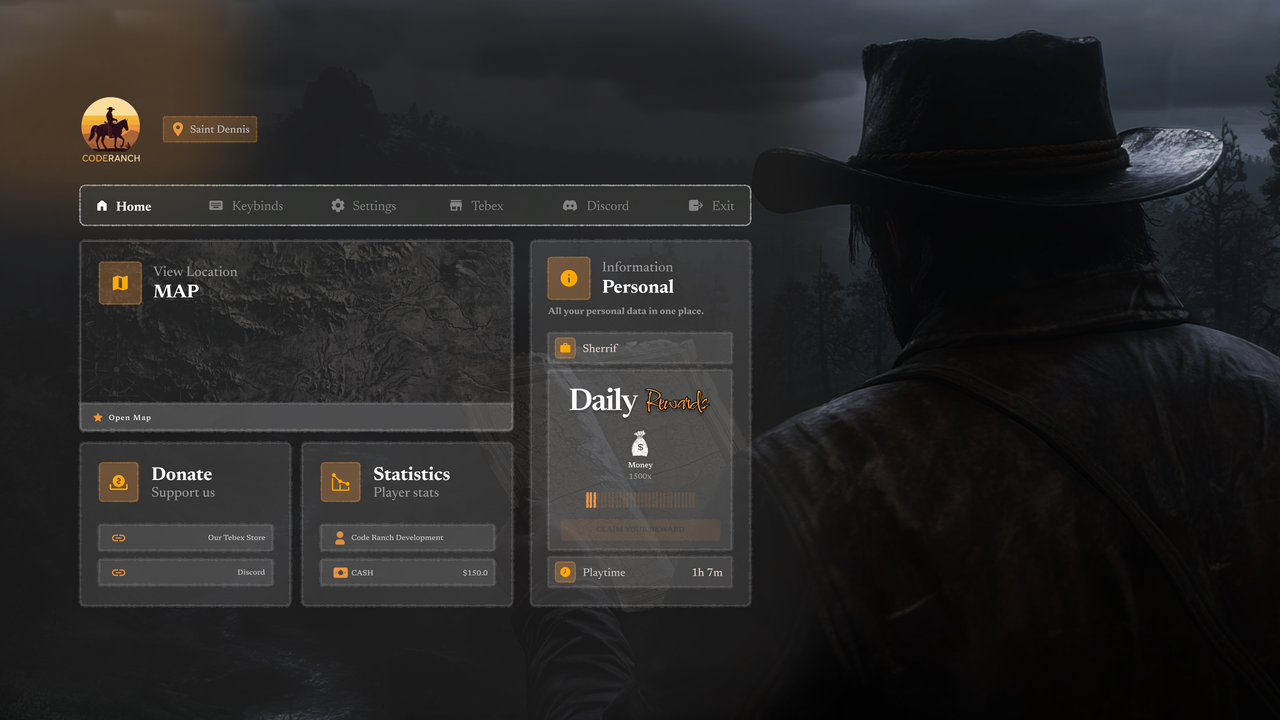
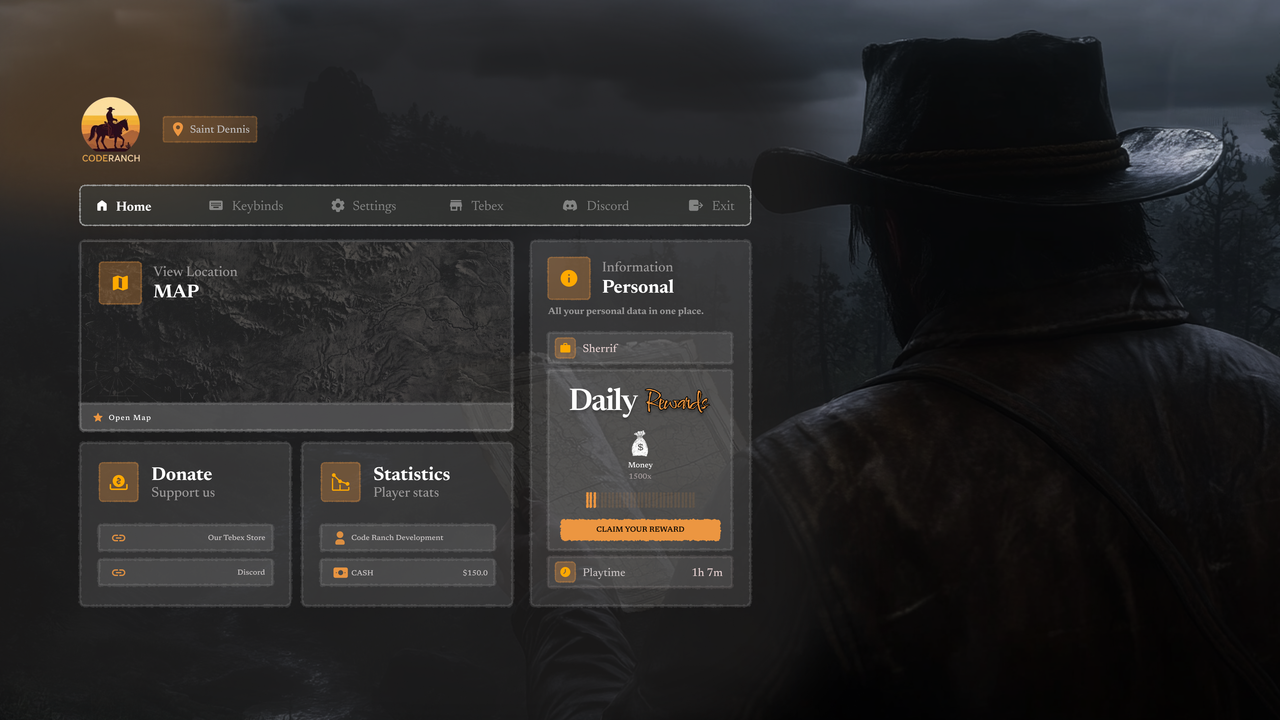
Features and gameplay
CodeRanch Pause Menu System
Advanced Pause Menu Replacement for RedM
A premium custom pause menu system with animated camera, map prop interaction, daily rewards, playtime
tracking, keybind visualization, and a modern NUI for the ultimate roleplay experience.
Features:
- Replaces native pause menu with a fully custom NUI interface
- Animated camera with cinematic transition on menu open
- Map prop attached to player hand with hold animation
- HUD and radar automatically hidden while menu is open
- Character info display including name, job, cash balance, and current location
- Coordinate-based location detection with 26 named map zones
- Total playtime tracking across sessions with automatic JSON-based saving
- 15-day daily reward cycle with 24-hour cooldown per player
- Reward system supporting both items and currency types
- Reward images pulled from external inventory resource path
- Interactive keyboard visualization with real-time key press feedback
- Hot keybinds sidebar for quick reference
- Native map and settings menu launch directly from UI
- Tebex and Discord links open directly in browser
- Exit button to disconnect from server
- Vehicle detection to skip camera and prop when mounted
- Player data fetched from cBase including job, cash, and character name
- Automatic cleanup on resource stop (camera, prop, animation, NUI)
- All keybinds, hot keybinds, rewards, and links fully configurable
- 6 languages included (English, Turkish, Arabic, French, Italian, Spanish)
- Language auto-detected from cBase
- Fully configurable via config files - no code changes needed
CodeRanch Scripts - Professional RedM Development
Before you buy
Check the listed dependencies and the product documentation against your RedM server setup. Ask support to confirm your framework and version if they are not listed.
This is the open source edition. Review the included files and license before planning custom code changes. Compare escrowed and open source scripts.
Other editions: cPauseMenu | Escrowed
Read the RedM script installation checklist, review the refund policy, or contact CodeRanch support with compatibility questions.
Related Scripts